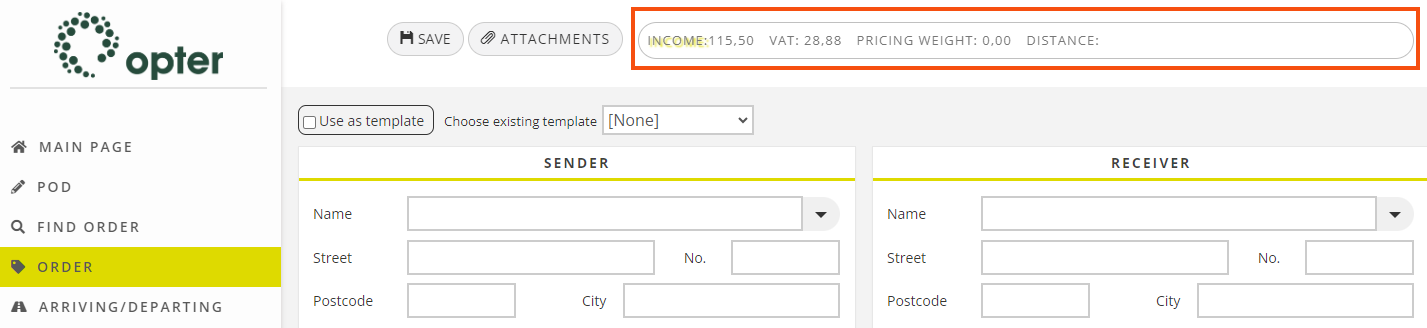
Kliendi viide (window)
Last updated: 27.10.2023
In this article
 Register > Kliendid > search for a customer > Klient > Kliendiviide
The customer reference is the person placing the order at the customer. In this window, user accounts are created for the customer’s ordering parties. For more information, see User accounts for the customer web.
What the ordering party can see and do on the customer web is generally controlled by the internet order setting, but this window makes it possible to define exceptions to those settings for individual ordering parties.
Üldine
|
Function |
Description |
|---|---|
|
Nimi |
Name of the ordering party. |
|
Telefon |
Ordering party’s telephone number. |
|
Mobiiltelefon |
Ordering party’s mobile number. |
|
E-post |
Ordering party’s email address. It also serves as a user ID when logging into the customer web. |
|
Parool |
Password for the customer web. The field is read-only. To change the password for the ordering party, enter the new password in Enter new password below. |
|
Enter new password |
Here the ordering party’s password can be changed by entering a new one. The password is not saved in this field but in the Parool field above. The new password must be at least eight characters long and must include at least one uppercase letter, one number and one special character. |
|
Sõnumid |
The set of notifications that the ordering party receives when various events occur for an order. |
|
Interneti kasutaja |
|
 : The ordering party cannot log into the customer web.
Internet
The menu items displayed on the customer web and the ordering party's access rights are primarily determined by the internet order settings for the ordering party, but here it is possible to make exceptions to those settings for individual ordering parties. The internet order setting for the customer reference can be entered on this tab. If it is [Vaikimisi] here, it first falls back onto the customer registry (Internet tab) and then the office settings (Internet tab).
Juurdepääs
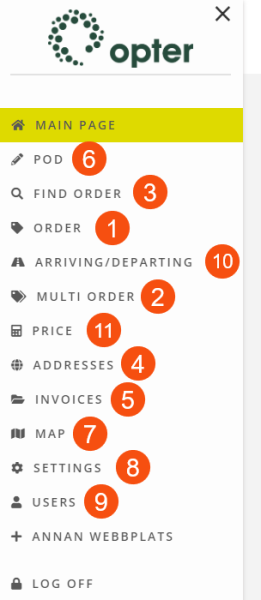
These settings control what the ordering party can see and do on the customer web. For the customer reference to be able to do any of the following, the option must be marked both here and in the internet order setting.
|
Function |
Description |
|---|---|
|
Näita hindu |
|
|
Loo tellimus (1) |
|
|
Multitellimus (2) |
|
|
Muuda tellimusi |
|
|
Otsing (3) |
|
|
Aadressid (4) |
|
|
Arved (5) |
|
|
POD (6) |
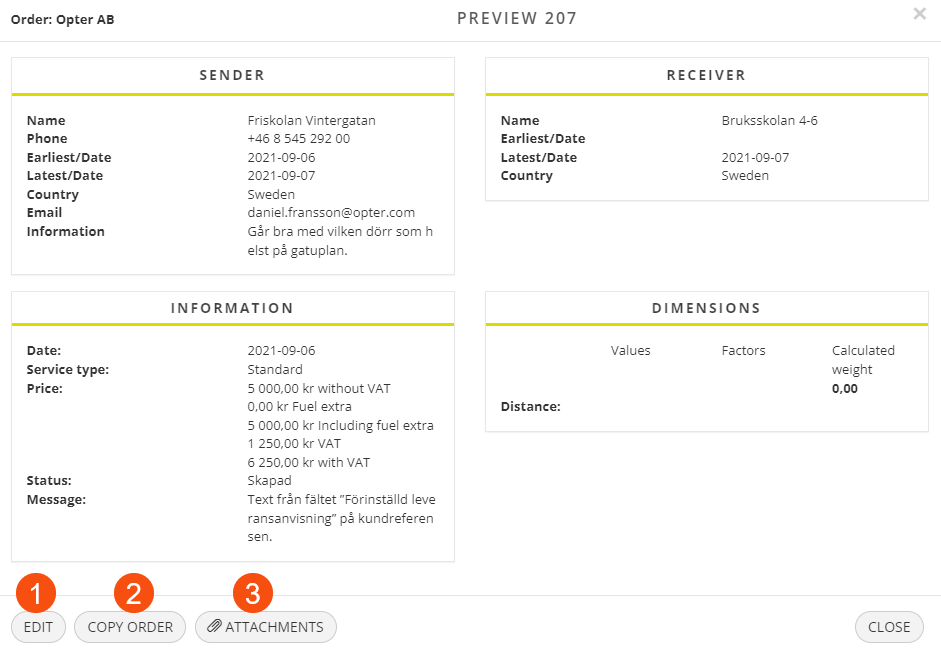
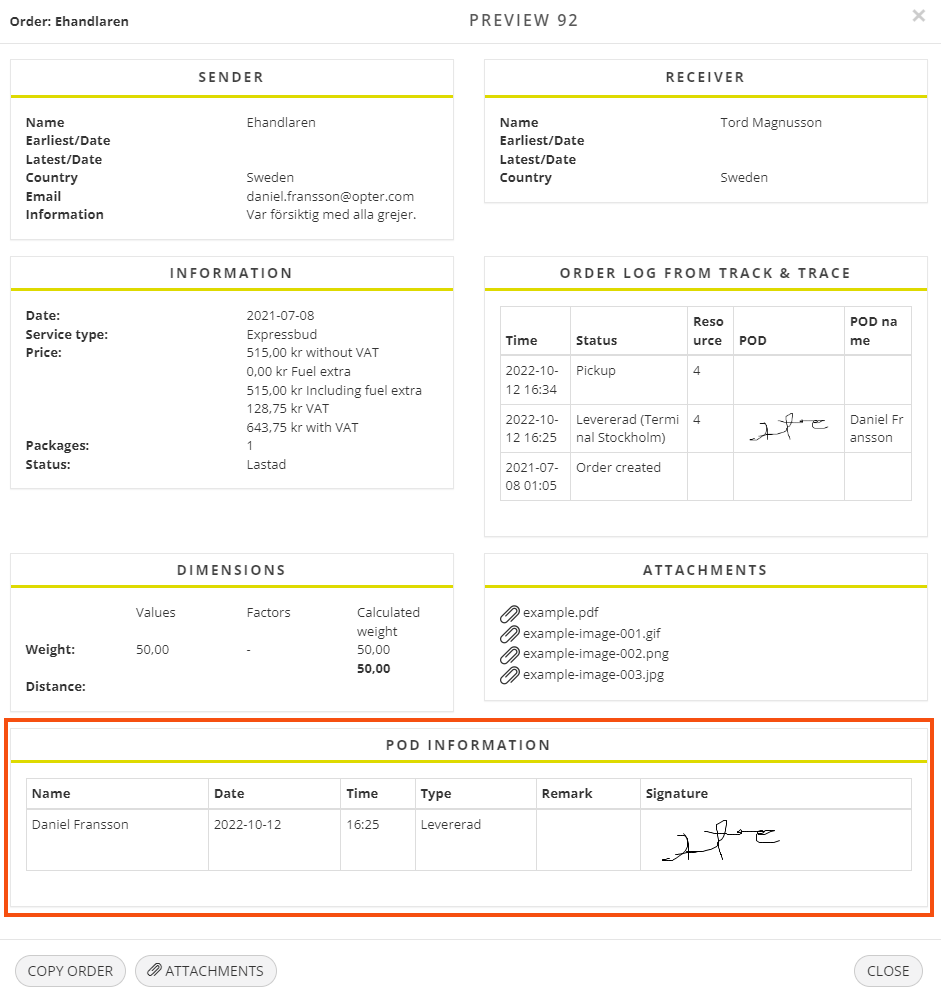
In addition, the POD-teave section is displayed in the detail view if the order has a proof of delivery.
|
|
Kaart (7) |
If Only show reference’s own orders is selected (see below), only the vehicles carrying the ordering party's own orders are shown on the map.
|
|
Seaded (8) |
 : The Seaded option is displayed in the menu on the customer web. The user can specify the default settings for an order and change their own password for the customer web. : The Seaded option is displayed in the menu on the customer web. The user can specify the default settings for an order and change their own password for the customer web.
As a system administrator, it is always possible to change the password for customer references. See Enter new password on the Üldine tab above. |
|
Kasutajad (9) |
If the user clicks on Kasutajad in the menu, a list of all the customer's user accounts is displayed, where it is possible define access rights and account information for other users.
|
|
Saabuvad/väljuvad tellimused (maksja on teine ??klient) (10) |
If Only show reference’s own orders is selected (see below), only the ordering party's own orders are shown in the list.
|
|
Hinna arvutamine (11) |
If the price is acceptable and the user wishes to place the order, the data entered by the user in the price calculation is included in the order form.
|
|
Only show reference’s own orders |
|