Status management in dispatch
Last updated: 2 June 2026
In this article
Setting previous shipments as unloaded automatically
If a shipment has been given the status Kohale toimetatud, it is possible to make sure that the previous shipments on the same order are automatically given the same status. Click on Seaded > Elutsüklid ja olekud, select a life cycle from the list on the left and tick Kaskaadefekt kohaletoimetamiseks.
Reactivate orders
How to reactivate an order in dispatch:
-
Open the order in order reception.
-
Click
 to the right of the checkbox Saatmiseks valmis in the group Juhi soovitus.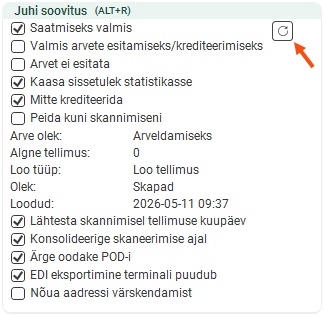
-
Open the dispatch and look up the order. It is probably located at Kohale toimetatud.
-
Right-click on the order, select Määra olek and change the status to Loodud.

