Changes to orders registered on the supplier web
Last updated: 30 August 2021
In this article
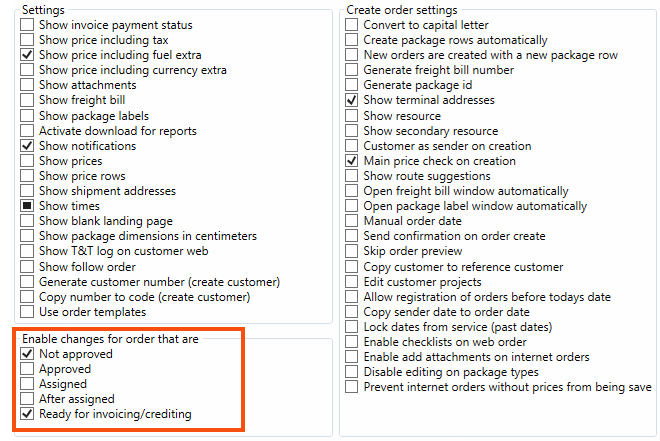
You can define whether or not orders booked on the web can be modified on the web as well. With this, it is possible to prevent orders that have reached a certain status from being changed so that the conditions for a shipment are not changed if, for example, it has already been assigned. The orders that can be modified are set using five checkboxes on the General tab in the internet order settings (Settings > Internet > Internet order settings).
Proceed as follows
-
Select the internet order setting for the supplier in the list on the left. Go to the Menu alternatives and functions tab and select Change orders under The resource webs.
-
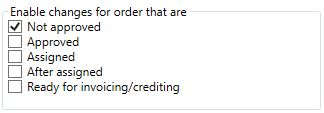
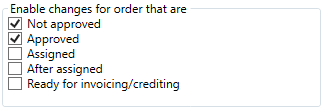
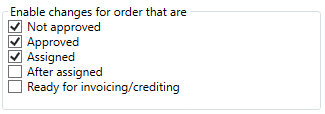
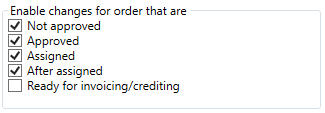
Determine which orders can be changed by selecting the checkboxes under Enable changes for order that are on the General tab.
- If Approved is not selected, it is not possible to change any orders that have been accepted in order reception, regardless of their current status.
- If Ready for invoicing/crediting is selected, it is possible to change orders that have Ready for invoicing/crediting selected in order reception.
Example
If all the orders are to be modifiable until they are invoiced, select all the checkboxes. Once the order has been invoiced, it is no longer possible to change it.
 It should only be possible to change orders that have not yet been approved in order reception