Saadetise seaded (window)
Last updated: 13 March 2026
 Tellimus > Saadetise kontroll >
  next to the drop-down menu Seadistus
In this article
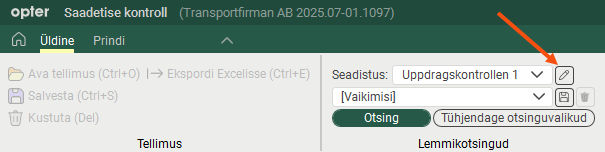
Use this window to set up how shipment check will work and which columns will be displayed in the shipment list. There are various possible configurations, as shown on the left.
Veerud
Put the columns you want to display in the list Kaasas. Double-click on a column to move it between the lists. You can move several columns at once by Ctrl-clicking or Shift-clicking them and then pressing Enter.
In the text fields above the lists, it is possible to search for the name of a column.
You decide the order of the columns by dragging and dropping them up and down the list.

