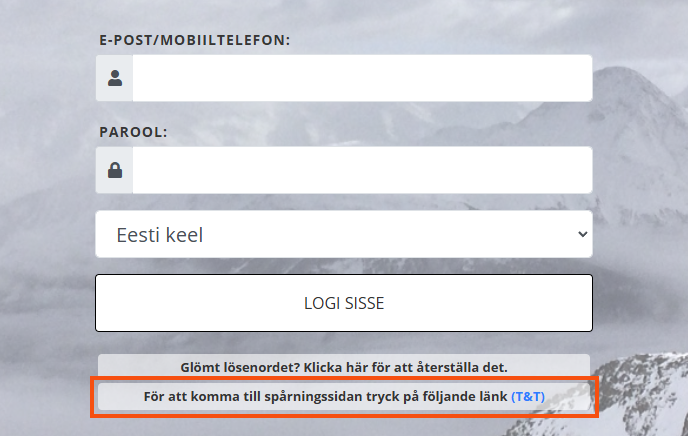
Link to Track & Trace from the vehicle web’s login page
Last updated: 31 August 2021
In this article
A link to Track & Trace can be added directly on the login page for the vehicle web. To add a link to the menu inside the vehicle web instead, see Adding a link to the menu on the vehicle web.
To add the link to the login page, click on Seaded > Kontorid > Internet tab and select Kuva jälgimislehe link sisselogimislehel.
The change will take effect immediately. The next time the login page loads, the link will appear.