How Opter chooses reports for notifications and shipping documents
Last updated: 27 January 2021
In this article
There are 28 predefined notifications and shipping documents in Opter. Such a set of notifications and shipping documents is called a message group. In the Sõnumid (window) window, reports are connected to the notifications and shipping documents in the various message groups. A message group can then be selected for customer references, customers and in the office settings (which applies to all orders). The message group used when generating a notification or shipping document is selected based on the order in the list below. If the setting is [Vaikimisi] or [puudub], Opter moves to the next option in the list.
-
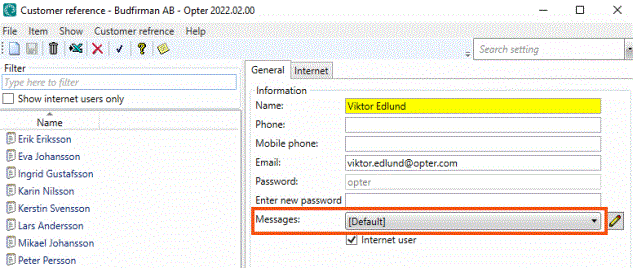
The selection in the Sõnumid field on the Üldine tab for the customer reference on the order.
-
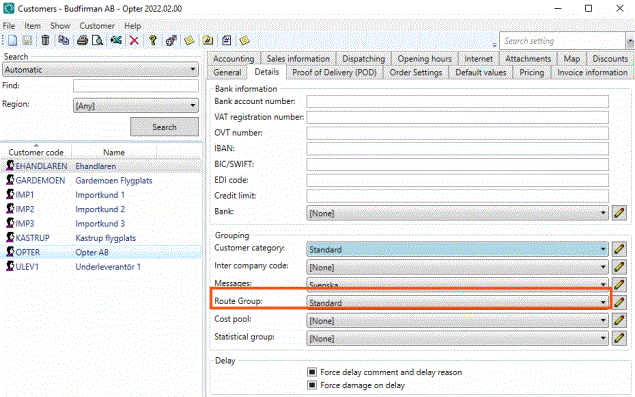
The selection in the Sõnumid field on the Detailid tab in the customer registry for the customer on the order.
-
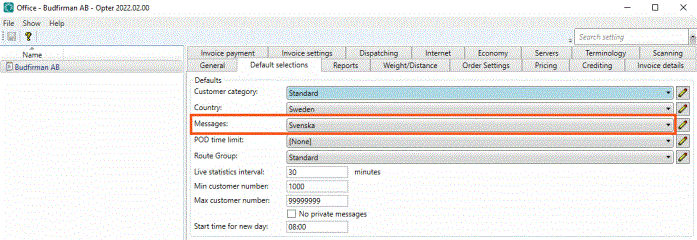
The selection in the Sõnumid field on the Vaikevalikud tab of the office settings. It is not possible to choose [Vaikimisi] or [puudub] here.